1. Add Circular Graph by HAL Company to your new section
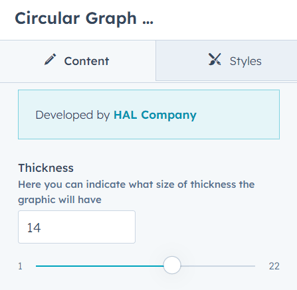
2. Within the module options, you will be able to modify line thickness.
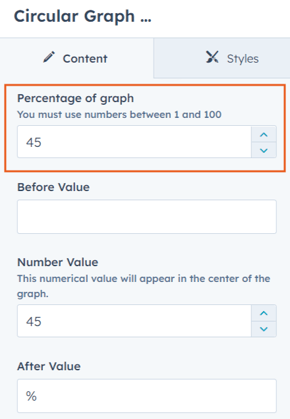
3. Then you must add the value to be considered by the graphic line to make the plot. This value must be between 1 and 100.
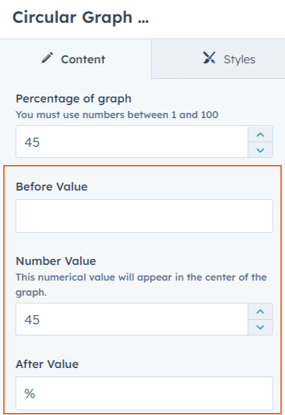
4. You can then include an initial or final symbol to accompany the central number, as well as the digit that will appear in the center of the module.
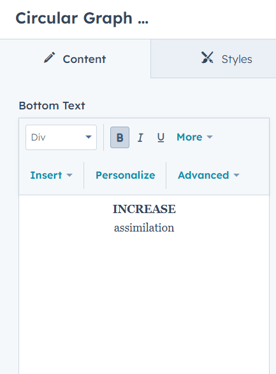
5. The last step is to add the final content of the module, inside a rich text box, fully customizable.
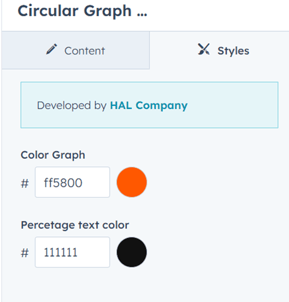
6. At last, select style tab to choose the colors for the graph line and the text color too.